Featured

Communicating through design

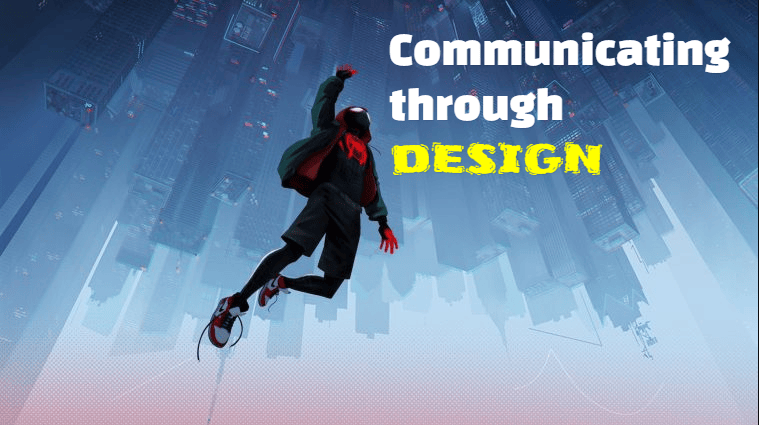
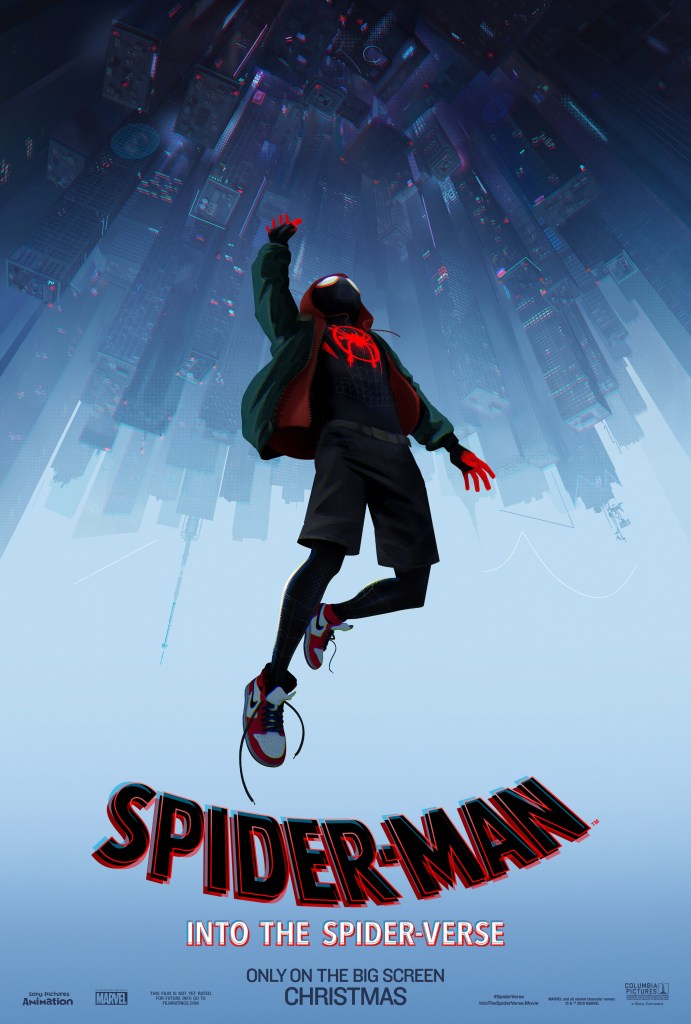
Today, we’re are taking a look at an example of good use of design principles and color. A movie poster shown above from the 2018 computer animated superhero film Spider-Man, into the spider-verse.

A movie poster’s purpose is to give potential audiences what the movie will be about, much like a trailer. but since posters are still images, creative liberty is often incorporated to communicate a good impression or to attract attention of movie goers.

Contrast

This poster effectively utilizes contrast by going from darkest top to lightest bottom. which made the image feel longer and creates a sense of very large space. normally, the sky is brighter and the ground is darker, this is reversed to create the feeling of going from darkness to light, from danger to safety. contrasting again the idea that falling from really tall buildings is sure death.
Repetition

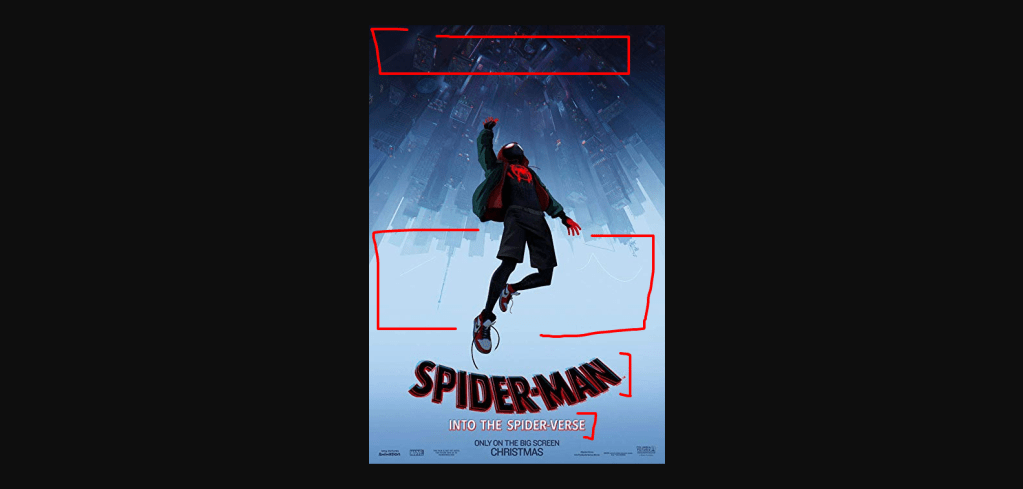
Curved title and the curves of buildings, as well as the dynamic pose of the main titular character portrays a sense of style and dynamic ability.
Alignment

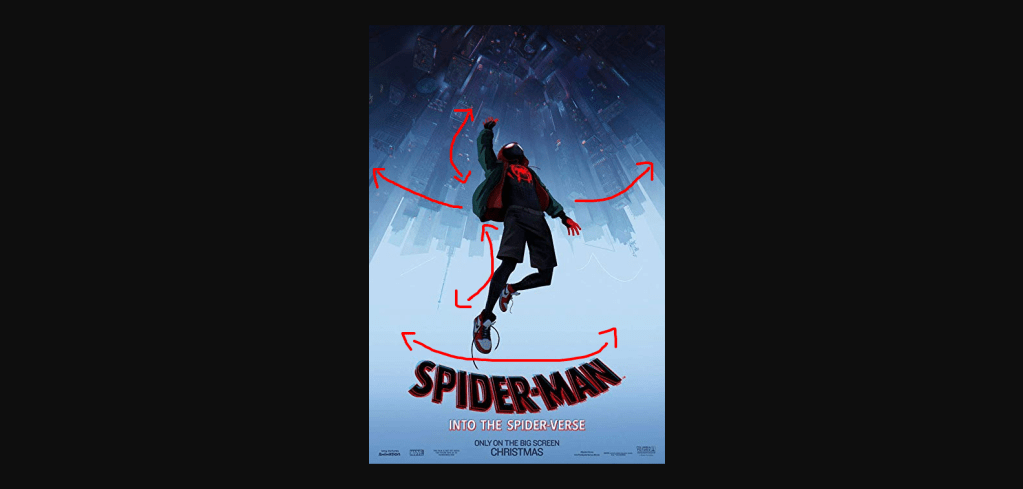
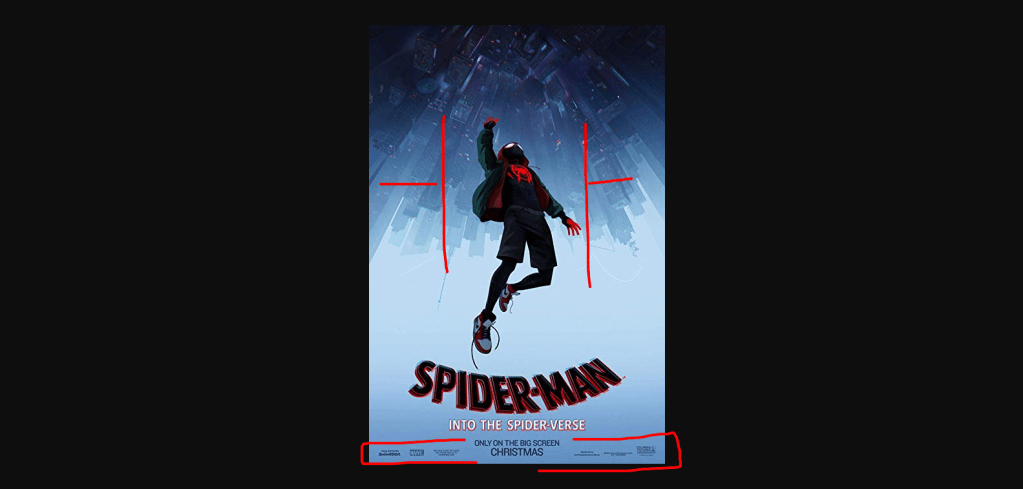
This poster utilizes center alignment to portray somewhat the loneliness of the subject. and accentuates the height of the subject from the ground. important details are at the bottom and does not attract attention away from the poster art, nevertheless readable enough for those interested.
Proximity

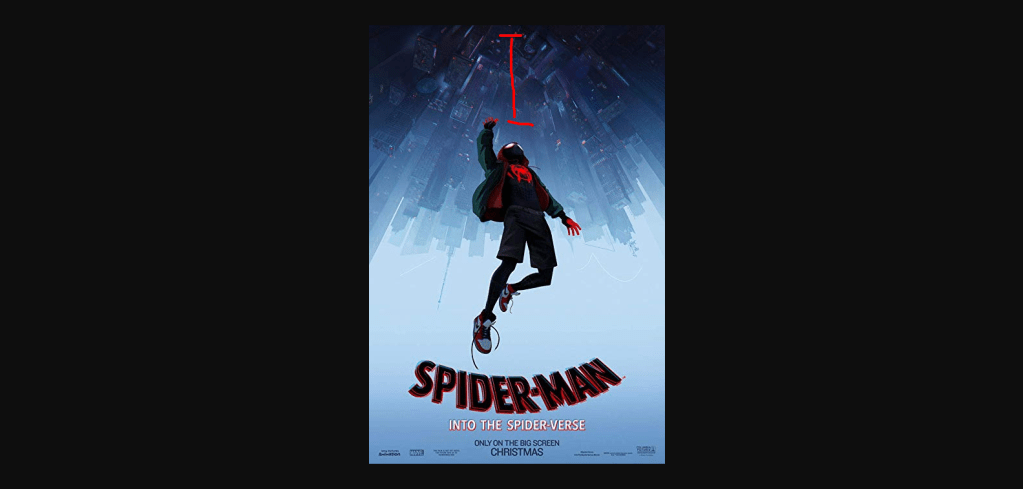
This design utilizes proximity to portray distance from the buildings and the subject, but does so beautifully by making the buildings seem like fish eye view. again, important information are in close proximity as it was designed to be seen after the art.
Color

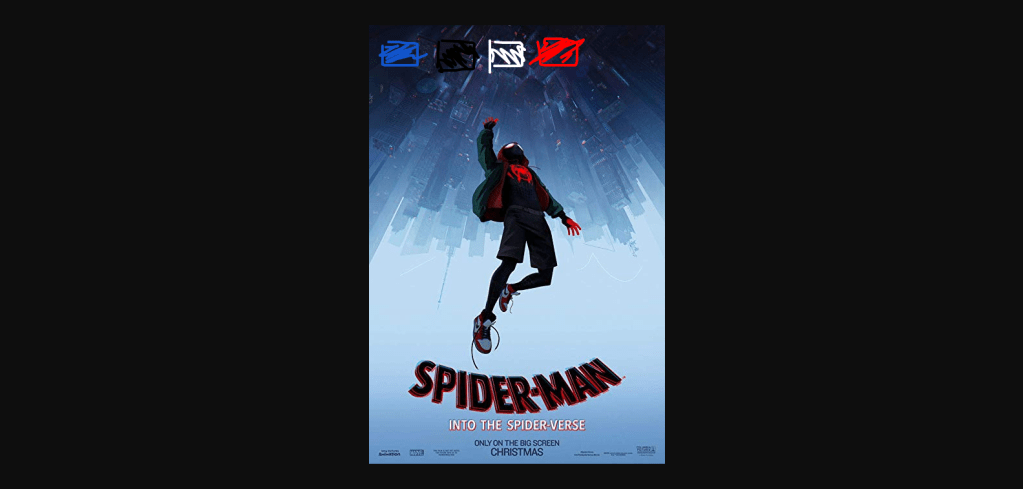
Colors used in this poster are cool, perhaps it portrays the sadness and loneliness, or perhaps the blissful feeling of being so high up in the sky that it feels foreign.
Conclusion

The clever utilization of design principles make this poster different from what majority of posters usually looked like. It communicated being in the experience than just showing who will be in it. It showed what it feels to be in it.

Introduce Yourself (Example Post)

This is an example post, originally published as part of Blogging University. Enroll in one of our ten programs, and start your blog right.

You’re going to publish a post today. Don’t worry about how your blog looks. Don’t worry if you haven’t given it a name yet, or you’re feeling overwhelmed. Just click the “New Post” button, and tell us why you’re here.

Why do this?

  • Because it gives new readers context. What are you about? Why should they read your blog?
  • Because it will help you focus you own ideas about your blog and what you’d like to do with it.

The post can be short or long, a personal intro to your life or a bloggy mission statement, a manifesto for the future or a simple outline of your the types of things you hope to publish.

To help you get started, here are a few questions:

  • Why are you blogging publicly, rather than keeping a personal journal?
  • What topics do you think you’ll write about?
  • Who would you love to connect with via your blog?
  • If you blog successfully throughout the next year, what would you hope to have accomplished?

You’re not locked into any of this; one of the wonderful things about blogs is how they constantly evolve as we learn, grow, and interact with one another — but it’s good to know where and why you started, and articulating your goals may just give you a few other post ideas.

Can’t think how to get started? Just write the first thing that pops into your head. Anne Lamott, author of a book on writing we love, says that you need to give yourself permission to write a “crappy first draft”. Anne makes a great point — just start writing, and worry about editing it later.

When you’re ready to publish, give your post three to five tags that describe your blog’s focus — writing, photography, fiction, parenting, food, cars, movies, sports, whatever. These tags will help others who care about your topics find you in the Reader. Make sure one of the tags is “zerotohero,” so other new bloggers can find you, too.

Design a site like this with WordPress.com
Get started